
RetroPaint
A simple painting app inspired by the classic paint programs of the 1980s and 1990s. No layers. No transparency. Just you and a canvas. Works completely offline. No ads. No tracking.
Get it on Google Play →Screenshots
About This App
RetroPaint is a painting app built for people who remember when drawing on a computer was simple. No layer panels. No blend modes. No transparency sliders. You pick a color, you pick a brush, and you paint on white. When you make a mistake, you erase with white. Just like the paint programs that came with every computer in the 1980s and 1990s.
The app works entirely offline. Your paintings are saved to your device gallery and never uploaded anywhere. There are no accounts, no cloud sync, no analytics, and no ads. You paint, you save, you share if you want to. That's it.
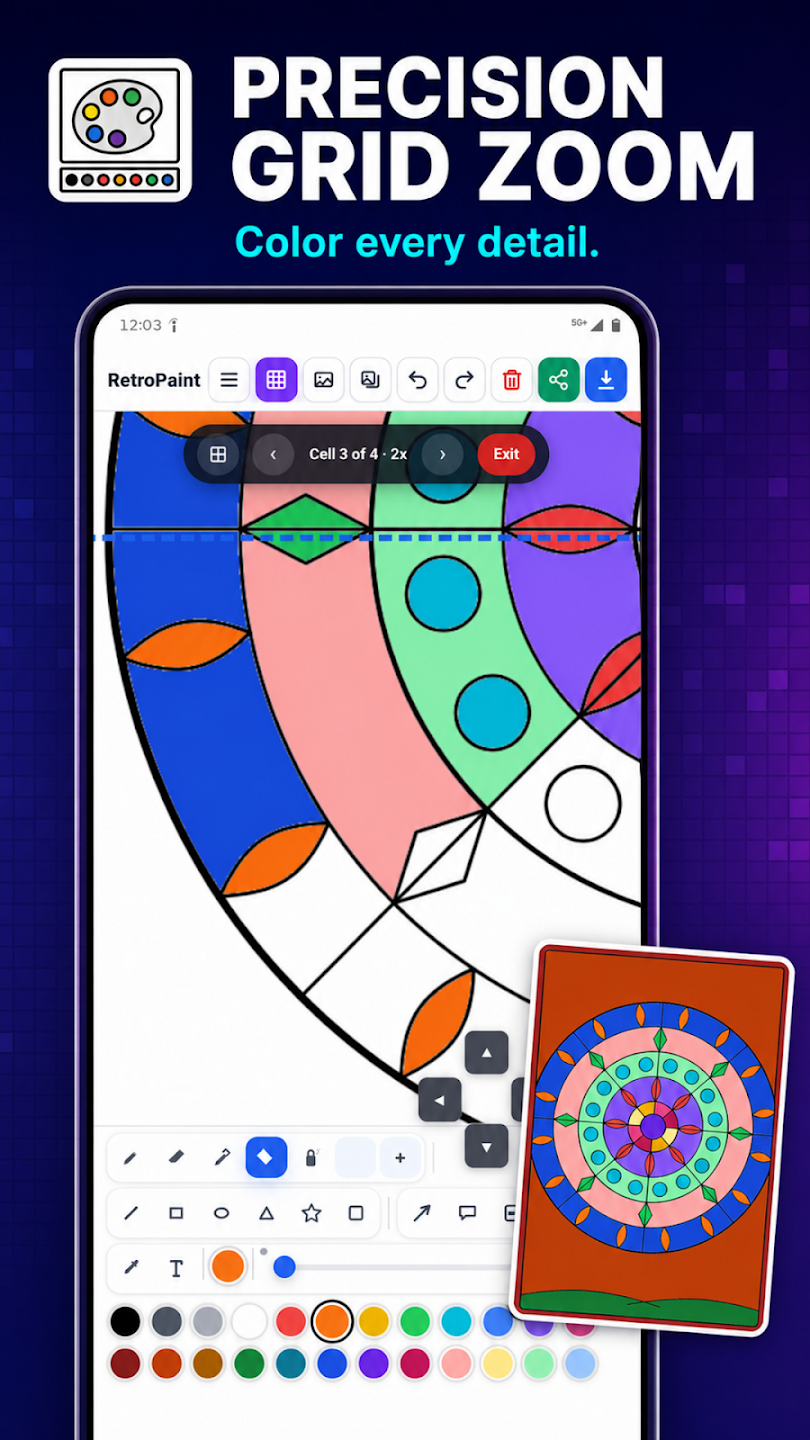
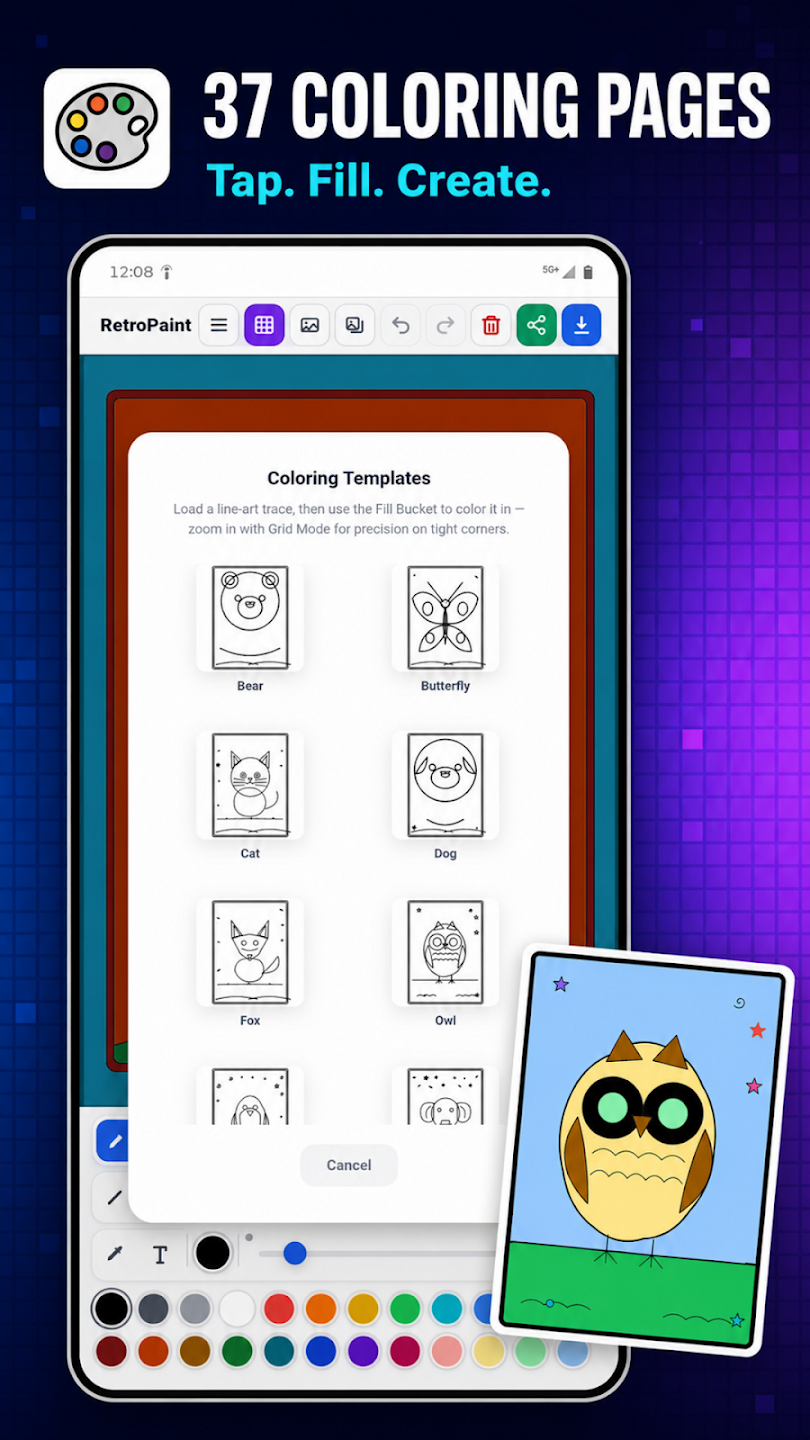
RetroPaint includes all the classic tools: freehand brush, eraser, paint bucket fill, line, rectangle, ellipse, and triangle. A 12-color palette covers the essentials. Undo and redo let you step backward and forward through your work. Load any image from your device to paint over, or start from a blank canvas.
⚡ FREE VS PRO
Free: Brush, eraser, fill bucket, line, rectangle, ellipse, triangle, 12-color palette, undo/redo (20 steps), save to gallery, load image, share.
Pro ($1.99 one-time): Spray can, text tool, eyedropper, star shape, filled/stroked shapes toggle, custom RGB color picker with hex input, full 24-color palette, extended undo/redo (50 steps), canvas size presets (square, wallpaper, landscape). No subscription. Pay once, yours forever.
Features
- Classic freehand brush and eraser — paint on white, erase with white
- Paint bucket fill with fast scanline algorithm
- Shape tools: line, rectangle, ellipse, triangle
- 12-color palette with current color indicator
- Adjustable brush size from fine detail to broad strokes
- Undo and redo with 20-step history (50 steps with Pro)
- Save paintings to your device gallery as PNG
- Share directly to Instagram, WhatsApp, Messages, or any app
- Load any image from your device to paint over
- Works 100% offline — airplane mode, no signal, anywhere
- No ads, no tracking, no analytics, no data collection of any kind
- Pro: Spray can for textured effects
- Pro: Text tool — tap anywhere on the canvas to place text
- Pro: Eyedropper — pick any color from your painting
- Pro: Star shape tool
- Pro: Filled or stroked shapes toggle
- Pro: Custom color picker with RGB sliders and hex input
- Pro: Full 24-color palette
- Pro: Canvas size presets — square, phone wallpaper, landscape
- No account required, no sign-in, no registration
Pricing
RetroPaint is free to download with full access to all classic painting tools, the 12-color palette, undo/redo, save, share, and image loading. A one-time in-app purchase of $1.99 unlocks Pro features: spray can, text tool, eyedropper, star shape, filled shapes, custom color picker, full palette, extended undo, and canvas presets. No ads. No subscriptions. No recurring charges. You pay once and own Pro forever.