
QR Code & Barcode Scanner
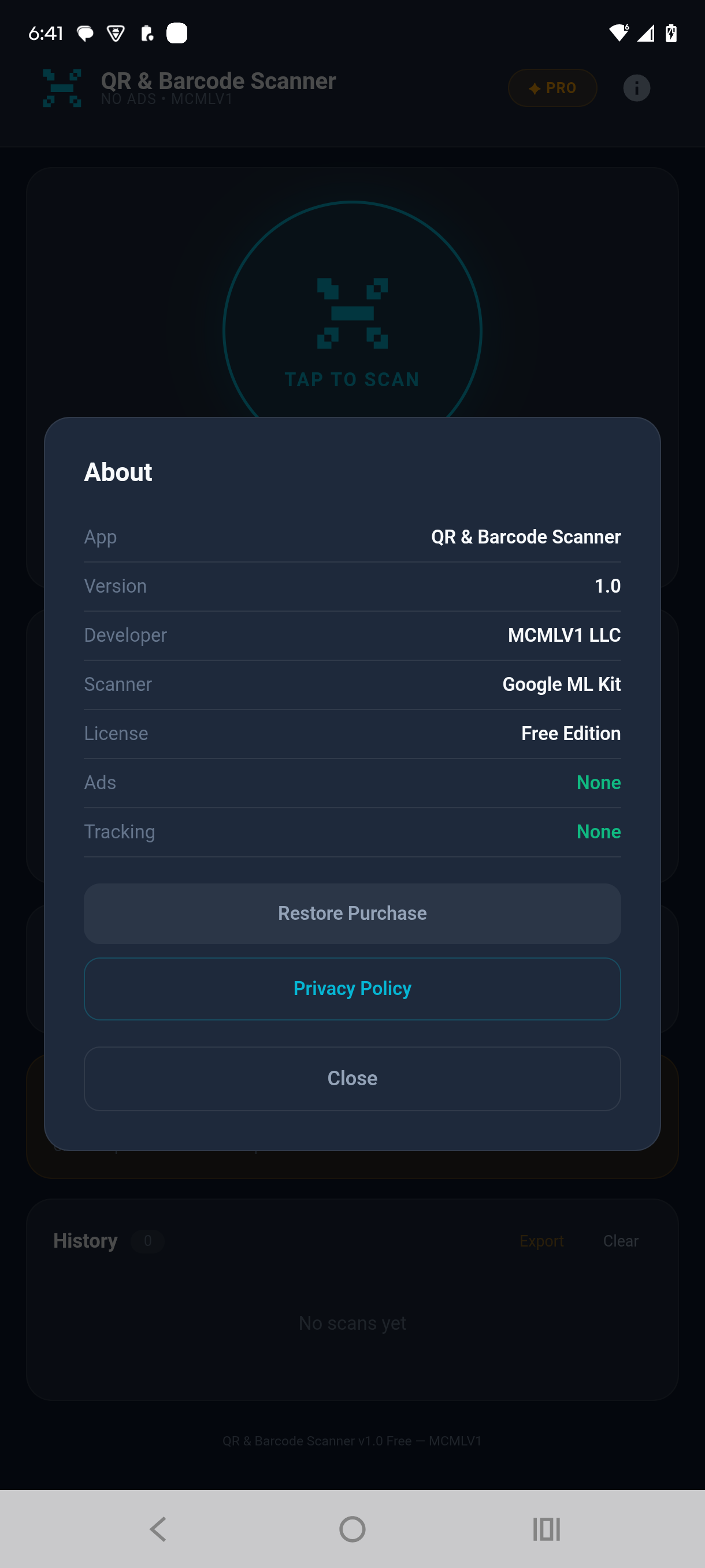
A fast, accurate QR code scanner and barcode reader. Multiple scan passes are compared before a result is shown, and every link reveals its destination before you tap it. Searchable history. No ads, no tracking, no account.
Get it on Google Play →Screenshots
About This App
QR Code & Barcode Scanner reads any QR code or barcode with your camera and gives you a result you can act on straight away. Smart routing identifies what you scanned — a link, a product, a book, or plain text — and offers the right action for it.
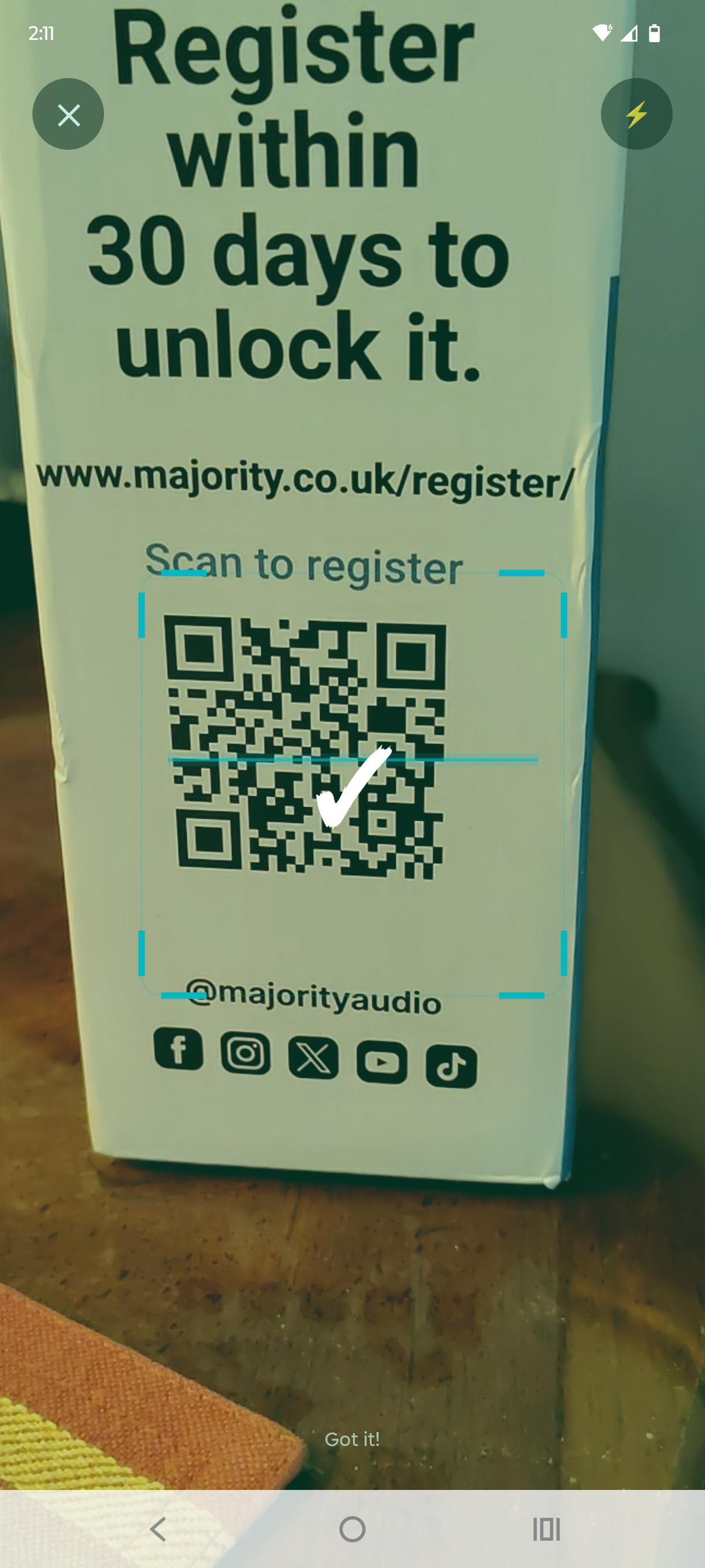
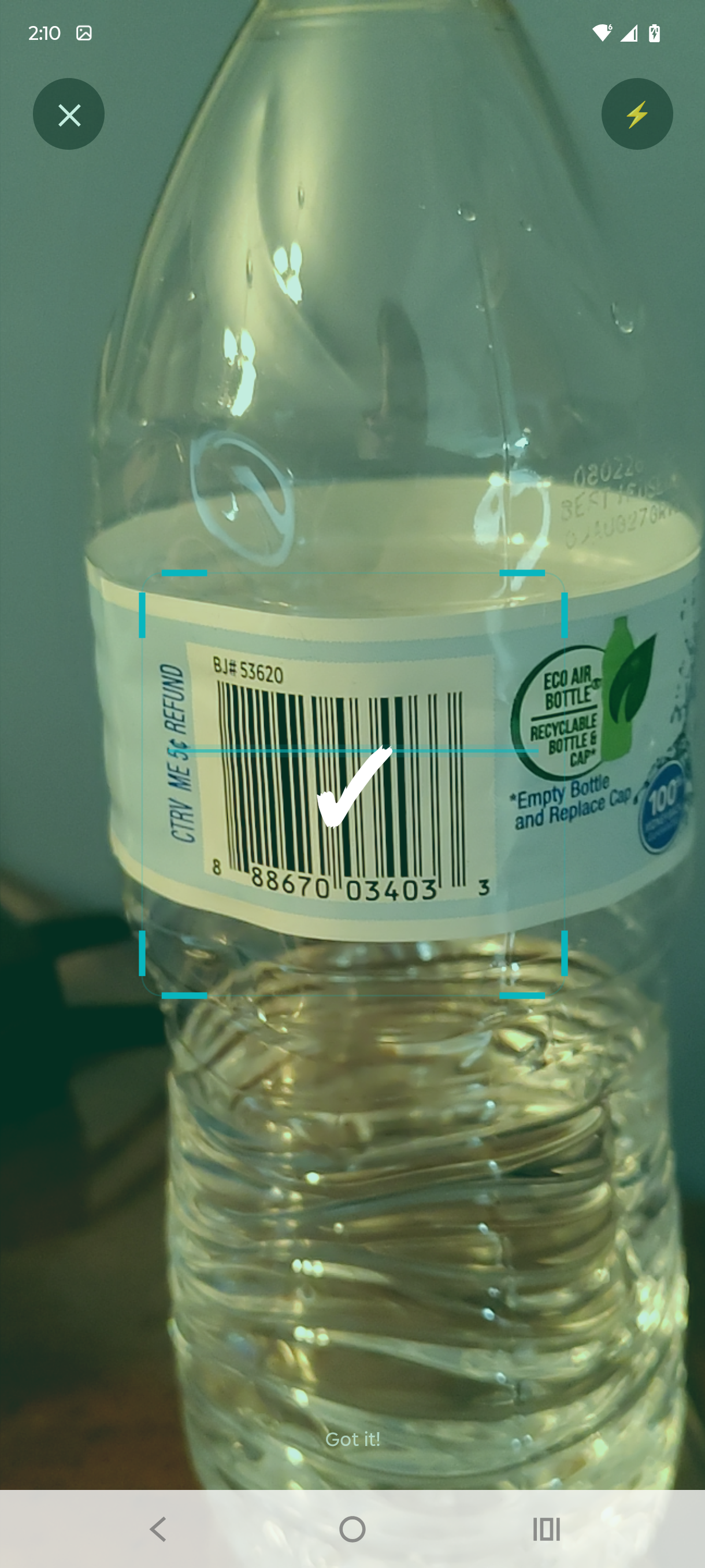
Most scanner apps show you the first thing they think they saw. This one runs several scan passes over the image and compares them before showing anything. When the passes agree, that verified result is what you get. The difference shows on the codes that usually fail: worn labels, curved bottles, faded receipts. In poor light the app turns on the flashlight and boosts contrast for the reader without changing what you see on screen.
Supports all major formats: QR codes, UPC-A, UPC-E, EAN-13, EAN-8, Code 128, Code 39, Data Matrix, Aztec, PDF417, ITF, and Codabar. Scanning is powered by Google ML Kit, bundled inside the app so it works with no network connection and never changes underneath you.
🔒 SEE WHERE A CODE GOES FIRST
A QR code can point anywhere, and a sticker placed over a real one is a common trick. After every scan this app shows the destination first — the website domain, large and on its own line — with a single button to continue. You decide whether to open it. If you would rather skip that step, Open Links Automatically is in Settings.
⚡ SMART ROUTING
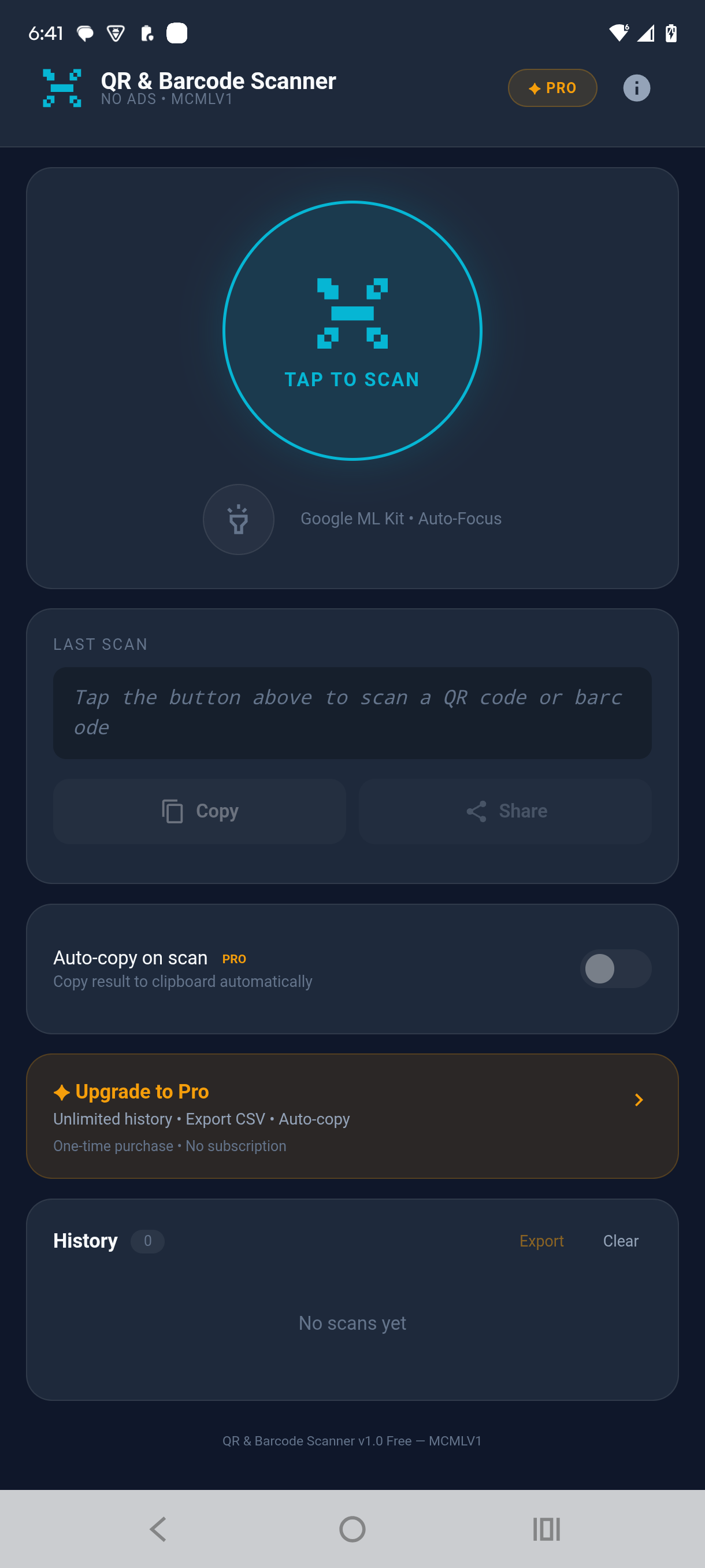
Scan a link → Open Link. Scan an ISBN → find the book. Scan a product barcode → product lookup, price comparison, shopping. Scan plain text → copy or search. The app works out what you scanned and offers the right buttons automatically.
Features
- Instant scanning — point your camera and the result appears
- Multi-pass verification — several passes compared before a result is shown
- Destination shown before you open a link, so you know where you are going
- Smart routing — action buttons matched to what you scanned
- All formats: QR, UPC-A/E, EAN-13/8, Code 128/39, Data Matrix, Aztec, PDF417, ITF, Codabar
- Searchable scan history — search by content or format, filter by type
- History grouped by Today, Yesterday and Earlier, with per-entry delete
- Light and dark themes, or follow your phone’s setting
- Automatic flashlight in low light, plus a manual torch
- Haptic feedback tuned to your phone
- Copy or share any result with one tap
- Works offline — the scanner is bundled in the app, not downloaded
- No ads, no account, no sign-up required
- Pro: 1,000 scan history items (Free: 5)
- Pro: CSV export — save your scan history as a spreadsheet file
- Pro: Auto-copy on scan — results copied to the clipboard automatically
Pricing
QR Code & Barcode Scanner is free to download, with the full scanner, smart routing, themes, flashlight, sharing, and a 5-item scan history. A one-time in-app purchase of $5.00 unlocks Pro: 1,000 history items, CSV export, and auto-copy on scan. No ads, no subscriptions, no recurring charges. You pay once and own Pro permanently.